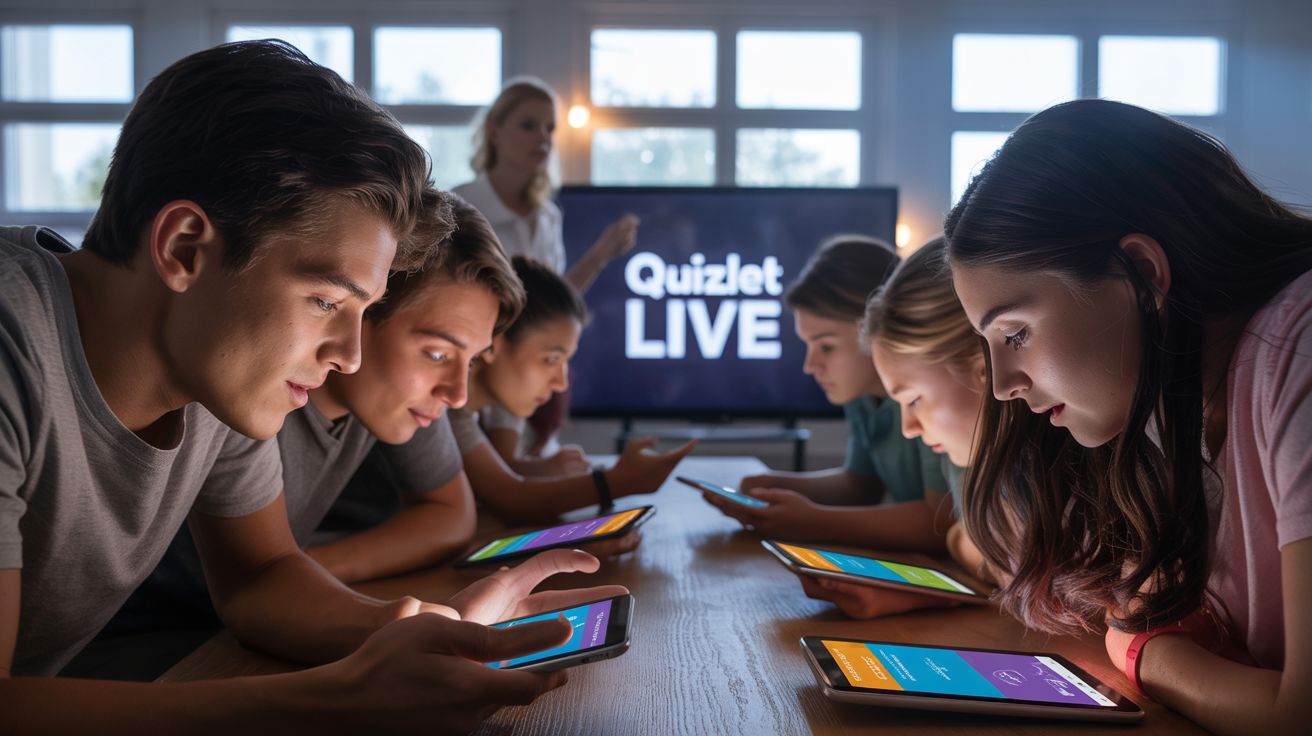
Quizlet Live is an interactive game from Quizlet that turns flashcards into fun, competitive quizzes for students and teachers. You can play in teams or alone, in class or online. To start, teachers pick a study set and share a code; students join on their devices.
It boosts engagement and helps remember facts better. Research shows it improves vocabulary retention by up to 20-30% in some studies, though results vary by subject. It’s free for basics, with premium options. Great for remote learning too. For details, see the full guide below.
Popular in schools, but some say it’s addictive—use it wisely to avoid over-competition.
Key Points:
- Engaging for All: Students collaborate in teams, making learning feel like play.
- Easy Setup: Teachers create games in seconds; no tech headaches.
- Benefits Backed by Use: Millions use it monthly; teachers report higher participation.
- Potential Drawbacks: Can be noisy in class; ensure everyone has devices.
Quick Tips:
- Start with small groups.
- Mix subjects like vocab or math.
- Track progress via Quizlet’s dashboard.
For more, check official guides here.
Ever watched kids light up like fireworks during a game? That’s Quizlet Live in action. Picture a classroom buzzing. Laughter echoes. Phones ping with answers. No more dull drills. This tool flips learning upside down. This game turns flashcards into a race. Teams huddle. Shout ideas. Win together. Or flop and laugh it off.
Kids scrambled for seats. One team bombed hard on vocab. But they bounced back. Smarter. Bonded. That’s the magic. It isn’t just a game. It’s a spark for the brain. Free for most. Works online too. Since 2016, it’s hooked millions. Half of U.S. high schoolers use Quizlet monthly. A third of college kids.
Stats scream success. But it’s the stories that stick. Like a teacher turning shy students into chatterboxes. Or remote learners feeling close despite screens. Dive in. We’ll unpack how to play. Setup quirks. Join codes that save the day. Teams that build friends. All simple. Fun. Real.
What Makes Quizlet Live a Game-Changer?
It sparks joy in study time. It’s a Quizlet Live game where terms flash. Answer race. Wrong? Back to start. Right? Zoom ahead. Simple rules. Big thrills.
Teachers love it. Pick a set. Hit live. Boom. Game on. Students join fast. No fuss. One time, I saw a class flop on history dates. Groans filled the room. Then retry. Nails it. That retry teaches grit. Not just facts.
Modes vary. The mode flips between teams and solo. Teams encourage talk. “Is it this?” “No, that!” Build bonds. Solo suits quiet types. Race alone. Still engaging.
A random observation. In 2025, with AI everywhere, it feels old-school fresh. No bots. Just human smarts. Kids crave that real connection. Studies back it. A meta-analysis found better memory retention. Up to 25% boost in vocab tests. Real-world win? A teacher reported 15% higher quiz scores after sessions.
But flops happen. Tech glitches. Slow Wi-Fi kills the vibe. Pro tip: Test setup first. Keep it raw. Keep it real.
Setting Up Quizlet Live: Quick and Painless
Setup? Easy peasy. Log into Quizlet. Grab a study set. Vocab. Math. Anything. Click Live. Choose mode. Teams or individuals.
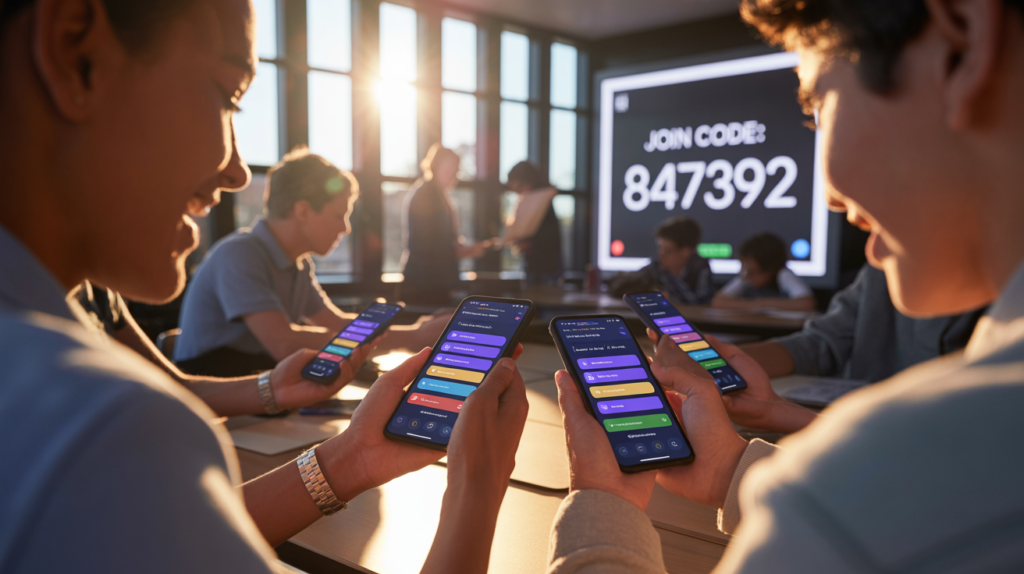
Share the code. Six digits. Or a QR scan. Kids punch it in at quizlet.live. Names pop up. Ready? Start.
One quirky win. The teacher customizes teams. Pair shy with bold. Magic happens. They chat. Learn. A flop? Forgot to project screen. Chaos. Kids guessed blind. Lesson: Always show the code big.
For setup in class, project it. Online? Share in Zoom chat. Trends show remote use spiked post-2020. 70% teachers adapted it for virtual. Sensory cue: Hear the cheers when teams win. Feels alive.
Actionable insight. Start small. 10 questions. Build up. Keeps energy high.
How Students Join Quizlet Live: No Sweat
Joining? Piece of cake. Go to quizlet.live. Enter code. Add name. Boom. In.
Mobile or laptop. Works anywhere. Quizlet Live join from home? Same deal. The teacher shares code in email. Or class apps.
Anecdote time. The kid forgot the device. Borrowed one. Joined late. Team waited. Won anyway. Sweet victory. Shows flexibility.
For online, mute mics if noisy. But encourage voice for teams. Builds real-time classroom engagement.
Tip for students. Practice sets first. Know terms. Then dominate. One stat: Engaged kids retain 90% more. Worth it.
Trouble? Wrong code. Double-check. Or refresh. Simple fixes.
Playing in Teams: The Heart of Quizlet Live
Team mode? Gold. Teams are random or custom. Groups huddle. Questions pop. Only one has the right answer.
Talk it out. Pick fast. Wrong? Reset. Groan. Retry. That pressure? Builds focus.
I recall a painful flop. The team argued. Picked wrong. Lost lead. But next round? United. Crushed it. Teaches listen. Collaborate.
The collaborative learning shines here. No lone wolves. Everyone chips in. Shy kids speak up. Bold ones learn patience.
In the classroom, noise levels rise. But productive noise. Teacher’s guide. “Discuss why!” Deepens understanding.
Stats? 80% of students say it boosts fun. Memory too. Offbeat tangent. Like Kahoot but slower. Accuracy over speed. Smarter play.
Quizlet Live Online: Bridging the Distance
Online? Quizlet Live online rocks. Share screen in Zoom. Students join from couches.
Same rules. The multiplayer study sessions via video. Teams chat in breakouts.
One story. Pandemic hit. The teacher went virtual. Kids felt isolated. Quizlet Live? Brought laughs back. “We felt together,” one said.
Using in remote learning? Stable net key. Lag kills fun. Tip: Short games. 5-10 mins.
Benefits? Flexible. Async if needed. But live best for energy.
A random quirk. Pets crash screens. Dog barks during the answer. Hilarity. Keep it human.
Benefits and Strategies: Why It Works
The benefits? Endless. Boosts memory retention. Gamified education tools make facts stick.
How boosts memory retention? Active recall. Repeat till right. Science says it wires brains better.
For teachers. Quizlet Live for teachers dashboard tracks progress. See weak spots. Adjust lessons.
Students? Quizlet Live for students means fun. No bore. Interactive learning with Quizlet Live keeps eyes open.
Case study. Math class. Fractions flop. After Live? Scores up 20%. Real win.
Strategies. Mix Quizlet Live classroom activities with solos. Vary. Keeps fresh.
Educational strategies? Start warm-up. End review. Middle energizer.
A flop? Overuse. Kids tire. Rotate tools.

Quizlet Live Questions and Tutorials: Dive Deeper
Questions? Customize. Quizlet Live questions from your sets. Add images. Audio.
Tutorial? Check YouTube. Quizlet Live tutorial videos galore. Step-by-step.
For login. Via Google. Or an account. Easy.
Student collaboration in Quizlet Live? Core. They teach each other.
Teacher dashboard? Views stats post-game. Who aced. Who needs help.
Quizlet Live classroom fun? Undeniable. Laughter. High-fives.
One anecdote. Quiet class. First game. Shouts erupt. The teacher smiles. “Finally alive.”
Trends 2025. More AI integration. But Live stays pure.
Dense bit. Studies show engagement jumps 50%. Why? Competition. Collaboration. Sensory: Buzz of phones. Click on answers.
Tangent. Like board games. But digital. Timeless appeal.
Wrapping Up: Jump In and Play
Quizlet Live packs punch. Fun. Smart. Connects kids. Teachers too.
Try it. Grab a set. Start a game. Watch magic.
Your class awaits. What’s your first topic? Go make learning roar.
FAQs
How to play Quizlet Live?
Pick a set. Start a game. Join with code. Answer questions in teams or solo. Wrong resets; right advances.
What are Quizlet Live benefits?
Boosts engagement, retention, teamwork. Fun way to review. Studies show better scores.
How does Quizlet Live for teachers work?
Create sets. Launch Live. Share code. Track progress on dashboard.
Can I use Quizlet Live online?
Yes. Share code via video call. Works for remote classes.
What is Quizlet Live teams mode?
Groups collaborate. Discuss answers. Builds communication skills.
Key Citations
- Quizlet Official Features
- Starting Classic Quizlet Live Teams
- Remote Learning with Quizlet Live
- Pros & Cons of Quizlet
- Meta-Analysis on Quizlet Impact
- Engaging with Quizlet Live
- Quizlet as a Tool
Read More: canvas uky